Sure you can use the Calendar Wizard plugin to create a calendar using Adobe InDesign, but will you learn the program? If you are new to Adobe InDesign, there is no better way to learn the software than to jump in and start using the program. I have been teaching students Adobe InDesign for years and the best method I have found, is for students to manually create a calendar. This project will require you to work with text frames, graphic frames, the pages palette and text formatting. By creating a calender, you will learn many of the tools and navigation of the interface within Adobe InDesign. This project will allow you familiarize yourself with InDesign's tools and interface. After completing this calendar project you will have a higher retention of the software's tools and layout techniques due to the repetitive processes and layout grids that make up a typical calendar design.
Below is a video tutorial that will walk you through how to manually setup a calendar with Adobe InDesign.
Thursday, December 4, 2014
Tuesday, October 28, 2014
Advertisement Layout

Here is the Flickr short link for the photo: https://flic.kr/p/pR6xZZ
Below is Part I (Photohsop):
Below is Part II (inDesign):
Tuesday, October 7, 2014
Create Repitition and Rhythm using Adobe Illustrator Patterns.
Below is a great tutorial showing how to create patterns with Adobe Illustrator:
Here is the hyperlink:
http://tv.adobe.com/watch/visual-design-cs6/creating-a-simple-pattern/
Here is another link explaining the design principle "Rythem":http://www.sophia.org/tutorials/design-in-art-repetition-pattern-and-rhythm
Use Adobe Illustrator to create several 12" x 12" patterns. Take it another step and create an emphasis or focus for the pattern composition.
Here is the hyperlink:
http://tv.adobe.com/watch/visual-design-cs6/creating-a-simple-pattern/
Here is another link explaining the design principle "Rythem":http://www.sophia.org/tutorials/design-in-art-repetition-pattern-and-rhythm
Use Adobe Illustrator to create several 12" x 12" patterns. Take it another step and create an emphasis or focus for the pattern composition.
Monday, October 6, 2014
Taking a tutorial to the next level

Here is a great example of taking a tutorial to the next level. Students were assigned to work through a this illsutrator snail tutorial from Tuts +, http://design.tutsplus.com/tutorials/quick-tip-how-to-create-a-cute-snail-using-adobe-illustrator--vector-5197 . One of our students was not decided it was to cute of a snail so she modified the illustration to create her own unique snail.
Thursday, August 7, 2014
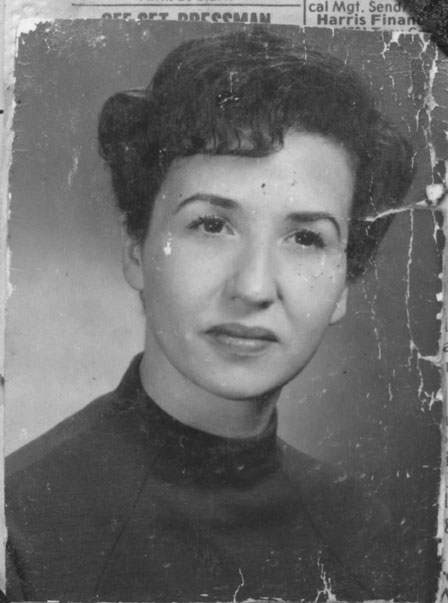
photos to use for restoration
Here is a photograph that needs to be restored:

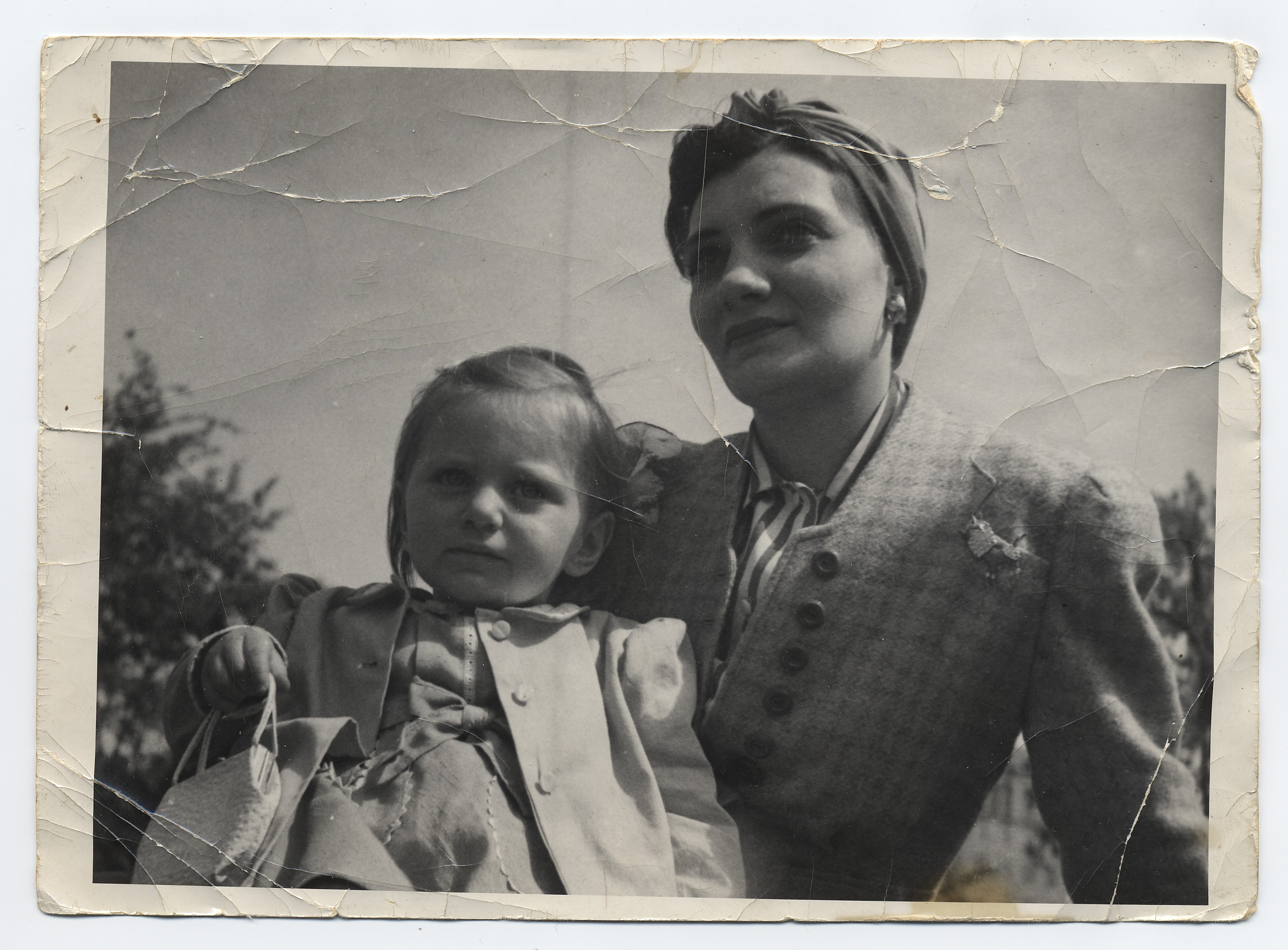
Here are some links to other photographs that need to be resotored:
http://www.amerphotorestoration.com/Humphrey-1.JPG
http://www.dvinfo.net/forum/attachments/totem-poll-totally-off-topic-everything-media/12873d1245877668-restoring-old-b-w-photos-photoshop-best-tool-use-phylis-adele-1940s-orig.jpg

Here are some links to other photographs that need to be resotored:
http://www.amerphotorestoration.com/Humphrey-1.JPG
http://www.dvinfo.net/forum/attachments/totem-poll-totally-off-topic-everything-media/12873d1245877668-restoring-old-b-w-photos-photoshop-best-tool-use-phylis-adele-1940s-orig.jpg
Tuesday, July 29, 2014
InDesign Paragraph Styles, Page Numbering and Packaging
Here are some videos showing how to create and use Paragraph Styles, Page Numbering and Packaging features with Adobe InDesign:
Here is the page numbering Video:
Here is the packaging video:
Here is the page numbering Video:
Here is the packaging video:

Tuesday, June 10, 2014
Photo Restoration
Here is a good video demonstrating photo restoration techniques and tools with Adobe Photoshop CS5.5. Here is the link:
http://tv.adobe.com/watch/no-stupid-questions-with-colin-smith/photoshop-photo-restoration/
Tuesday, June 3, 2014
Resolution Video
Below is a great video that covers resolution with Adobe Photoshop posted by Mike Mchugh.
Here is another link from Adobe explaining resolution in greater detail:
http://helpx.adobe.com/en/photoshop/using/image-size-resolution.html
Here is another link from Adobe explaining resolution in greater detail:
http://helpx.adobe.com/en/photoshop/using/image-size-resolution.html
Subscribe to:
Posts (Atom)